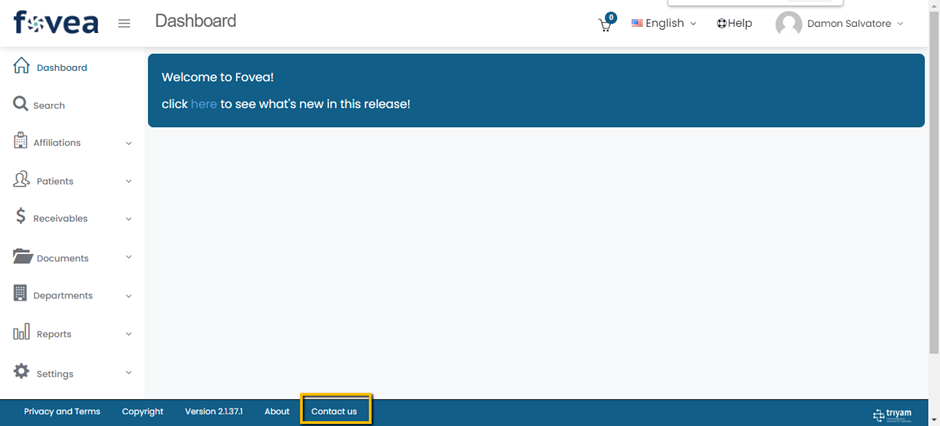
Users may need help while using Access Unify® | Health, this help document explains how to reach Access Unify® | Health help desk.
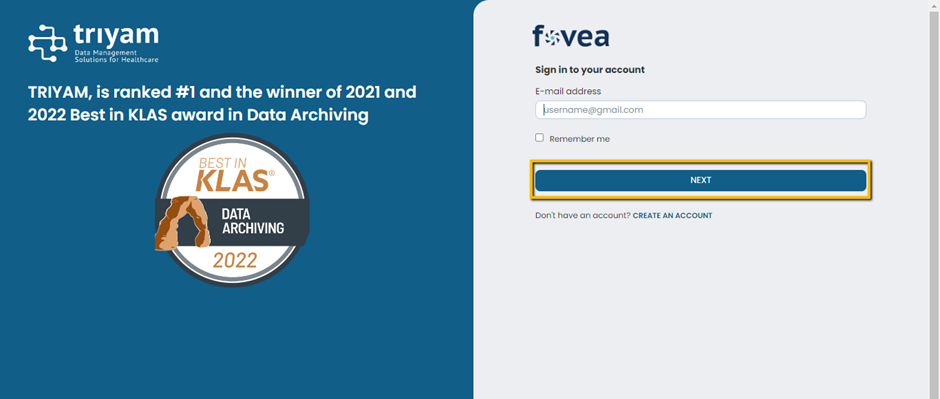
In the user web browser, launch Access Unify® | Health URL https://livefovea.com
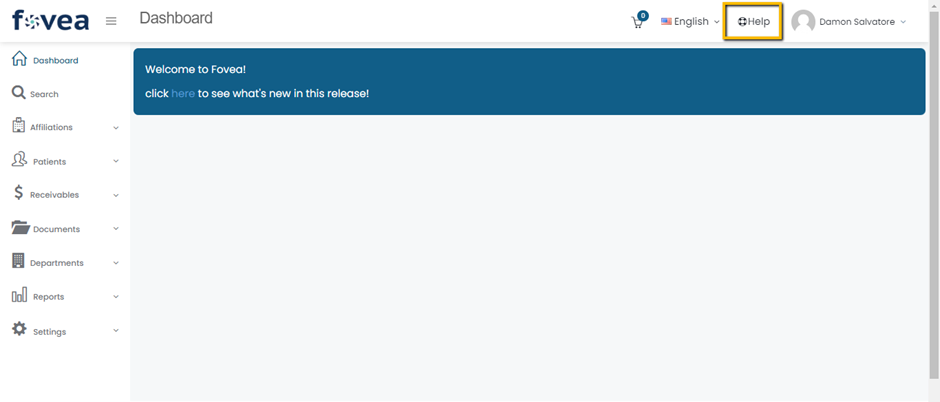
After logging into Access Unify® | Health, Click Help button at the top right corner of the page.
The user will be able to view various icons in the Access Unify® | Health Help page. For example, If the user selects Users icon, it will show a list of various questions related to Users help in Access Unify® | Health.
If online help is not sufficient then the user can contact in house Access Unify® | Health Administrator. Also, the user can find their information at Contact Support at the top right corner of the page.
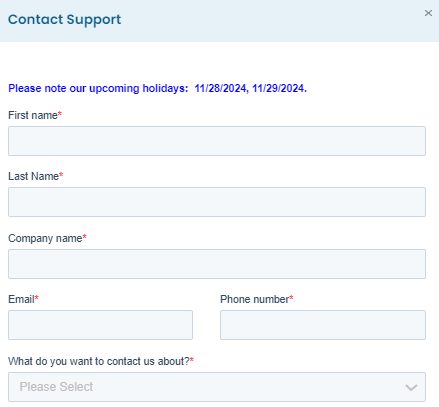
Upon clicking the Contact Support icon, the user will then receive a pop-up box. Fill the required details and click the submit support request button.
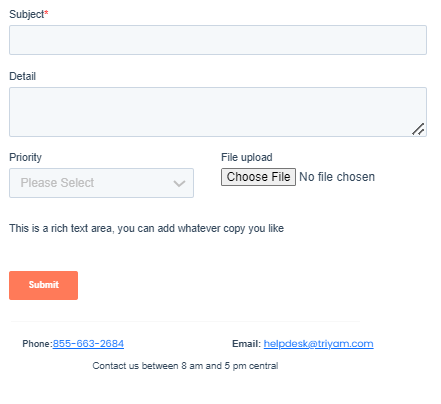
If the user is not logged into Access Unify® | Health, the user can contact the Access Unify® | Health Help desk.
by clicking the Contact Us option from the bottom of the screen.